I'm going to show you How to Root an Asus Memo Pad HD 7 (me173x).
EXTRA: Verify Root, and install Busybox, Root Browser, AdAway and Linux Deploy.

2. Check your firmware, I used ME173X_US_user_4.2.4.04152_20140714 release keys.

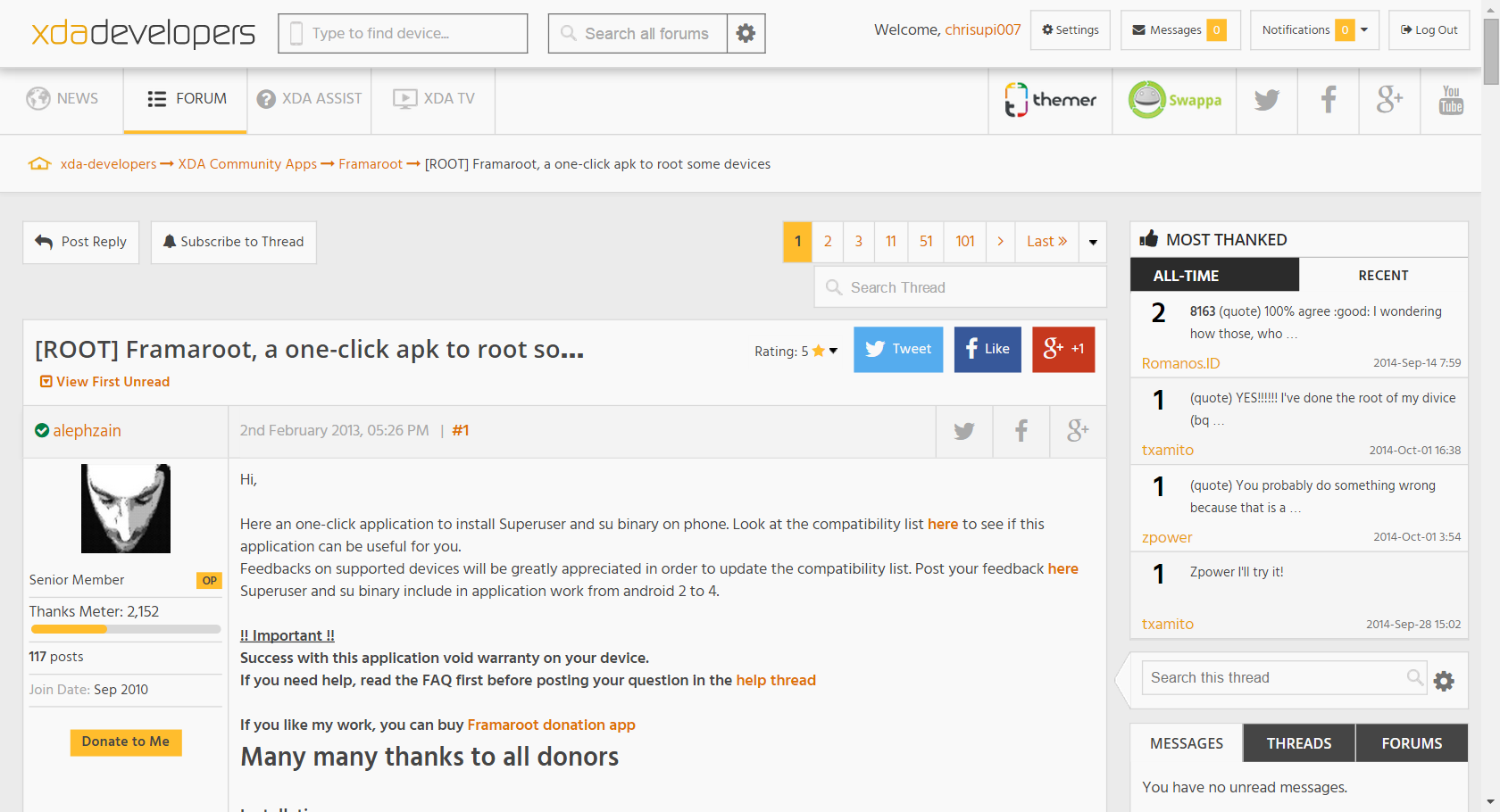
3. Run the Framaroot apk and an exploit, I chose Faramir.
Then, REBOOT the device, that's it!
NOTE: If android warns you about security risk,
go to Settings > Security and check Unknown Sources.


9. See those example ads.

10. No more ads/popups!


13. Select the button with the down arrow to download the OS.
Then, click Start and change the default password.


15. Here is a preview of Linux running in my tablet.
NOTE: If it didn't work or have issues try Complete Linux installer.
NOTE: If it didn't work or have issues try Complete Linux installer.


No comments:
Post a Comment